
Racing: Online!
- car racing
- racing
- multiplayer
- 2 player car
- 2 player racing
- competitive games
- race games
- arcade car
- Plays on
- Android, iOS, Desktop
- Screen
- Landscape
- Price
- Free
- Category
- Racing
How to Play
Controls: Mobile Use the on-screen buttons to control your car. ️ Desktop Player 1: W / S — Accelerate / Brake A / D — Steer Space — Handbrake / Drift Player 2 (Local Co-op): ↑ / ↓ — Accelerate / Brake ← / → — Steer Right Shift — Handbrake / Drift Controls can be customized in the game settings.
Tips
- Use the handbrake on Space (or Right Shift for Player 2) to start a drift going into corners.
- Check the game settings and adjust the controls to a layout that feels comfortable.
- Do the daily quests to keep progressing and unlock more cars.
- Watch for limited-time events, since they offer exclusive vehicles you can't get otherwise.
- Try local co-op on one keyboard: Player 1 uses WASD and Player 2 uses the arrow keys.
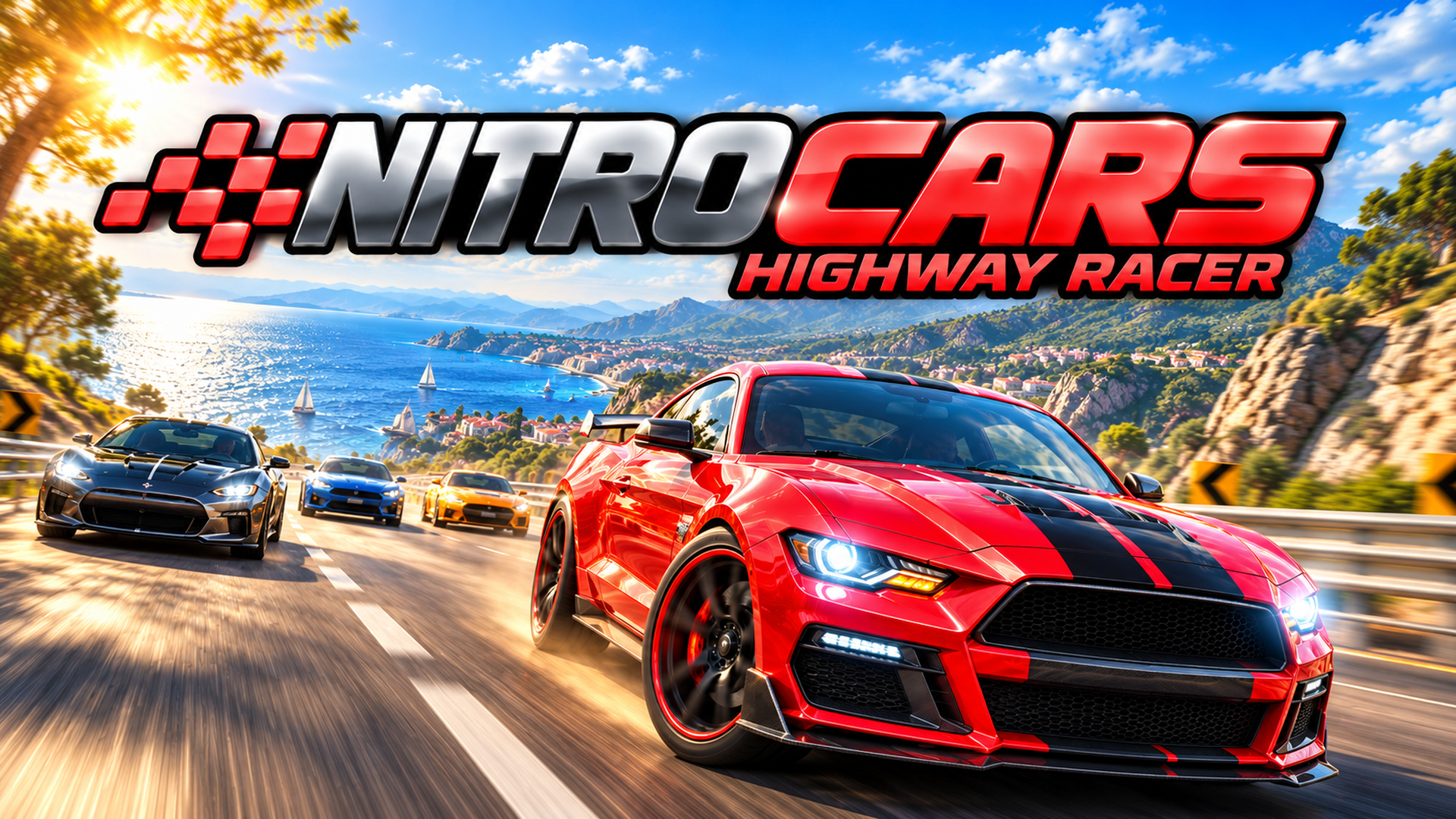
About Racing: Online!
Racing: Online! is an online car racing game that runs right in your browser. You race against players from around the world and work your way up the leaderboards, so every race counts toward your climb. It is also called Racing Online, and it is free on PC, phone and tablet with no download and no sign-up. What sets it apart from many other racing games online is the mix of skill driving and social play. Drift mechanics reward careful cornering, and you can collect unique cars as you progress. Limited-time events offer exclusive vehicles, and daily quests give you a reason to come back and keep moving forward. You can also race with friends. Create a lobby, chat with other players and start a race together, or challenge someone on the same device in local co-op. On mobile, use the on-screen buttons to control your car. On desktop, Player 1 uses W and S to accelerate and brake, A and D to steer, and Space for the handbrake and drift. Player 2 in local co-op uses the arrow keys with Right Shift for the handbrake. You can customize the controls in the game settings.
If you like Racing: Online!, try
- Street Race Master · Another street-style racer if you like car-focused racing with a different feel.
- Rush Rivals · Pick this for a different take on racing against rivals.
- Street Racer 2D · A 2D racer that offers a simpler view than this online game.
Questions about Racing: Online!
- Is Racing: Online! free to play?
- Yes. It is free, plays in your browser, and needs no download or sign-up.
- How do I play on mobile?
- Use the on-screen buttons to control your car. It works on phones and tablets.
- Can I race with friends?
- Yes. Create a lobby, chat and race with friends, or play local co-op on the same device.
- What are the keyboard controls?
- Player 1 uses W/S to accelerate and brake, A/D to steer and Space to drift. Player 2 uses the arrow keys and Right Shift. Controls can be changed in settings.


More Car Games
See all games Truck Slam
 BMG: Ragdoll Car Race
 Drift Idle Drift Earn Upgrade
 Car Stunt Racing Game 3D : Car Games
 Traffic Racer 3D
 Monster Truck Stunt Game Racing Games
 Car Crash Sandbox
 Crash Test Simulator 3d
 Monster Truck Racing Game Truck Race
 City Tuk Tuk Rickshaw Game Auto Games
 Realistic Car Crash King
 Tiny Cars
 Obby, but you're on a motorcycle
 Uphill Racer2
 Police Car Simulator Game Criminal Case
 Shape Transform Race