Car Smash Simulator: Crash & Tune
- simulation
- racing
- 3d
- physics
- driving
- car racing
- boys
- car crash games
- Plays on
- Android, iOS, Desktop
- Screen
- Landscape
- Price
- Free
- Category
- Racing
How to Play
Keyboard Controls: WASD - drive Space - handbrake Shift - nitro Tab - pause C - camera R - flip car K - repair N - next car B - slow motion On mobile devices — use on-screen buttons.
Tips
- Use Shift for nitro to build speed before hitting a mega ramp.
- Press B for slow motion to watch doors, hoods and wheels come off in a big crash.
- If your car lands upside down, press R to flip it, or press K to repair the damage and keep going.
- Press N to switch to the next car when you want a fresh vehicle to wreck.
- Press C to change the camera angle and get a better view of stunts and impacts.

About Car Smash Simulator: Crash & Tune
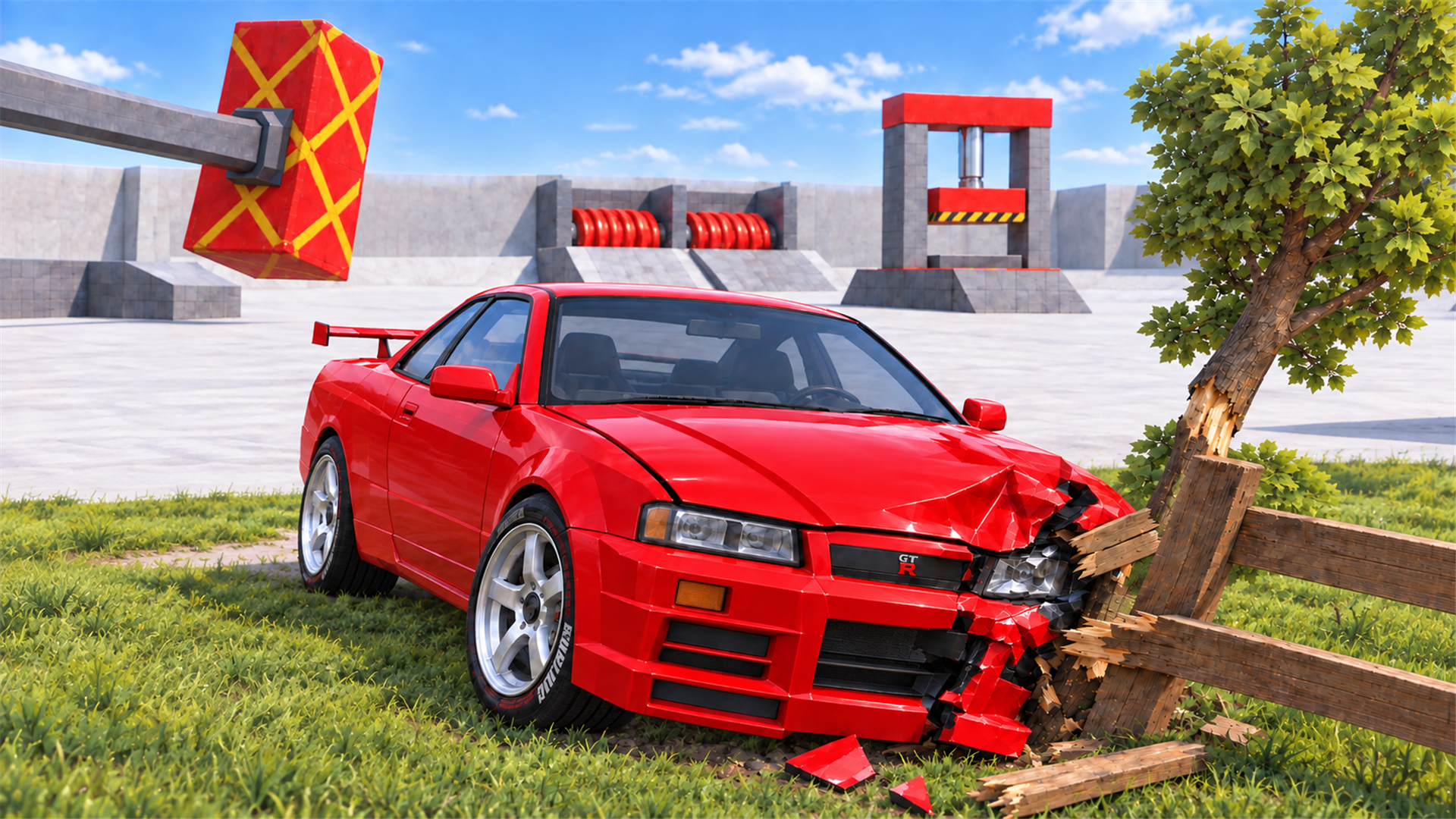
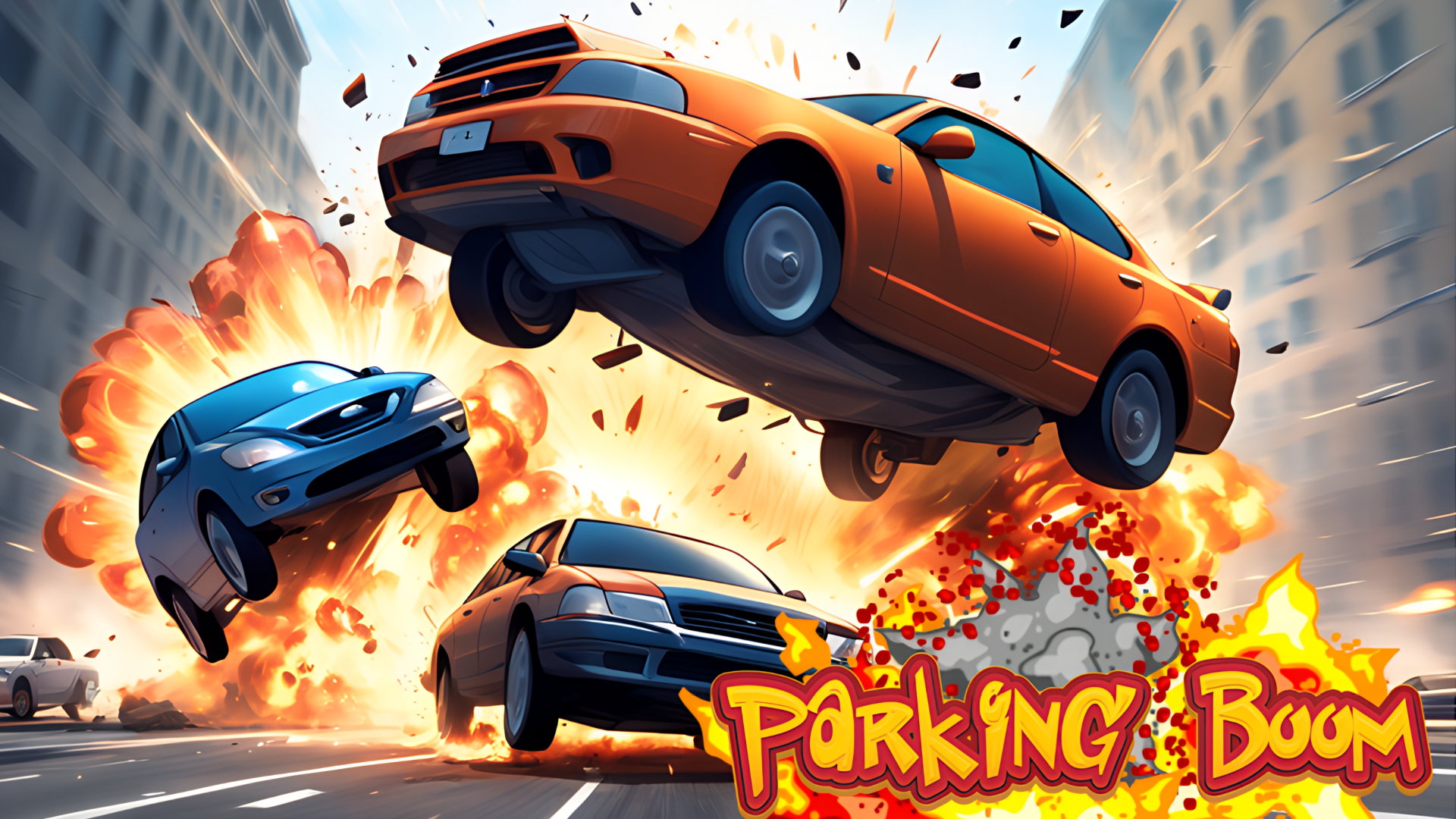
Car Smash Simulator: Crash & Tune is a car crash simulator online that drops you into a giant open-world sandbox. The goal is up to you: break stuff, pull off insane stunts, or just roam around and enjoy the wreckage. What sets it apart is the damage. Crashes are brutal, so doors fly off, hoods crumple and wheels pop off. The world is also packed with destruction zones, including giant hammers, hydraulic crushers and mega ramps, so there is always something new to hit or jump. You can also make every car your own. Find new cars roaming the world, then tune them. Change the full body color or just individual parts, and adjust wheel size, height and camber to style your ride your way. On PC, drive with WASD, hit Space for the handbrake and Shift for nitro. Press C to change camera, R to flip your car, K to repair it, N to switch to the next car, B for slow motion and Tab to pause. On phones and tablets, use the on-screen buttons. It is free, runs in your browser, and needs no download or sign-up.
If you like Car Smash Simulator: Crash & Tune, try
- Destructive Car Crash Simulator · Another crash-focused simulator if you want more wrecking action.
- Beam Drive Car Crash Test Simulator · Centers on crash testing rather than an open-world sandbox with tuning.
- Cool Tuning - Paint the Car · Focuses on painting and styling a car instead of smashing it.
Questions about Car Smash Simulator: Crash & Tune
- Is Car Smash Simulator: Crash & Tune free to play?
- Yes. It is free and plays in your browser with no download and no sign-up.
- How do you control the car?
- On keyboard, use WASD to drive, Space for the handbrake and Shift for nitro. Other keys cover camera, flip, repair, next car, slow motion and pause.
- Can I play it on mobile?
- Yes. It works in the browser on phones and tablets using on-screen buttons.
- Can I customize the cars?
- Yes. You can change the full body color or individual parts, and adjust wheel size, height and camber.